AI · Runway
AI video from still renders: camera moves, consistency and client expectations
Image-to-video models can turn an approved still into a slow dolly shot. Where that works for arch viz, where geometry breaks, and how to brief clients honestly.
 AI
AIWhy studios are trying it
Image-to-video models such as Runway, Kling, Luma and Google's Veo can take a single still and generate a few seconds of camera movement. For a studio that already has an approved hero image, this is tempting: a short, moving version for social media or a sales suite screen without building a full animation scene.
The appeal is real. A traditional animation needs camera paths, motion-safe geometry, higher-quality assets for the angles the camera passes and many hours of rendering. A generated five-second clip can be produced in minutes.
The catch is that the model does not know your building. It sees pixels and predicts plausible motion. Anything it cannot see in the still, such as the side of a column or the room around a corner, has to be invented.
Shots that survive and shots that do not
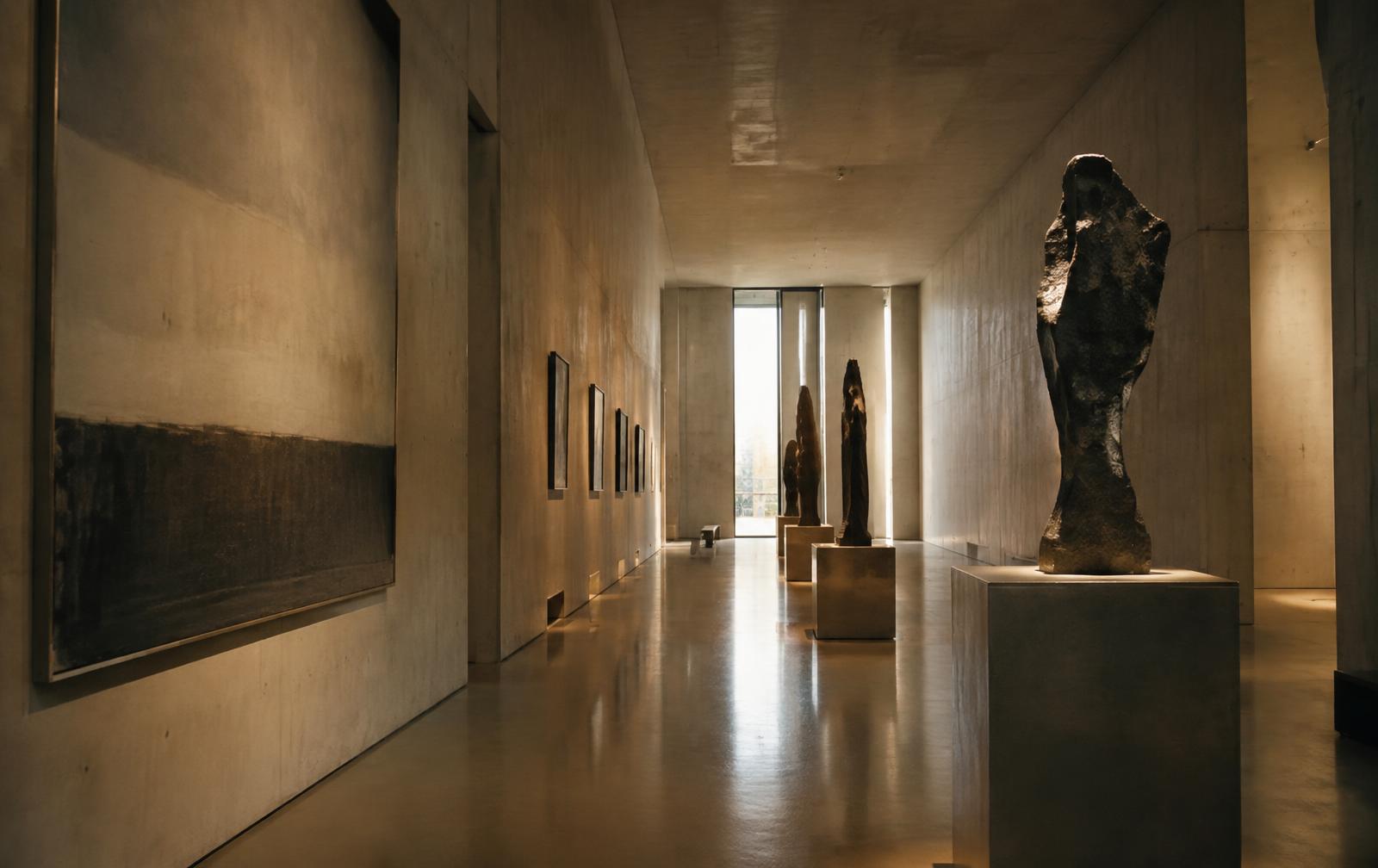
Slow forward moves, gentle push-ins and small parallax drifts work best. They reveal very little new information, so the model invents very little. Long corridors, symmetrical lobbies and facades shot straight on are good candidates. Ambient motion, such as moving water, drifting clouds or leaves in wind, is also handled well.
Orbits, fast pans and moves that reveal hidden space fail most often. As the camera swings around a corner, mullions bend, window counts change and furniture melts. Repetitive architecture is particularly vulnerable: a facade with forty identical windows may end the clip with thirty-seven.
People are another weak point. Generated pedestrians may walk smoothly for two seconds and then merge with a bench. If you need people, add them as separate composited footage or keep them small and distant.
Building a reliable workflow
Start from the highest-resolution still you have and keep the prompt about the camera, not the content. Phrases like slow dolly forward, steady, no new objects, architecture unchanged perform better than descriptive prompts that invite the model to add things. Many tools also accept an end frame. Rendering a second still from a slightly advanced camera position in your 3D scene and supplying both frames gives the model far less to guess.
Generate several takes and review them frame by frame, not at playback speed. Check window counts, roof lines and edges of the building at the first, middle and last frames. Reject any take where the architecture changes, even subtly. A clip that looks fine at full speed on a phone will be scrutinised on a large screen in a sales suite.
Upscale and grade after selection, and keep clips short. Most models degrade the longer they run. Three to five seconds, looped or cut together with real rendered shots, is more convincing than a single twelve-second generation.
Briefing the client
Clients need to understand what they are getting. A generated clip is an atmospheric impression of an approved still, not an accurate walkthrough. It cannot show rooms that were not in the image, and it should not be used to sell layouts or views that have not been modelled. Say this in writing, in the proposal.
Where accuracy matters, such as unit layouts, views from specific apartments or anything contractual, render a proper animation from the 3D model. Where mood matters, such as a social teaser or an ambient loop behind a reception desk, image-to-video is a fast and legitimate tool when checked carefully.