AI · Blender
AI image-to-3D for furniture and props in arch viz: topology, scale and licensing
Image-to-3D generators can produce a chair or vase from a single photo. How to judge whether the mesh is usable in a production interior and what to check before it ships.
 AI
AIWhat the generators produce
Image-to-3D and text-to-3D generators, from services such as Meshy, Tripo and Rodin to open models like Hunyuan3D and TRELLIS, now return a textured mesh from a single photograph in under a minute. For interior visualization, where a scene may need sixty small props, that is a significant shift.
What they return, however, is not the same as a modelled asset. Most outputs are dense triangulated meshes with baked colour textures. Lighting from the source image is often painted into the albedo. Back faces that were not visible in the photo are guessed. Scale is arbitrary.
That makes them good at some jobs and poor at others. Knowing which is the difference between saving a day and losing one to revisions.
Hero pieces versus set dressing
Set dressing is the strongest use. Vases, bowls, books, sculptures, cushions and plants on a shelf are seen at a distance, often partly occluded, and forgiving of imperfect topology. Generating a dozen ceramic forms in a consistent style is faster than searching libraries for the right shapes.
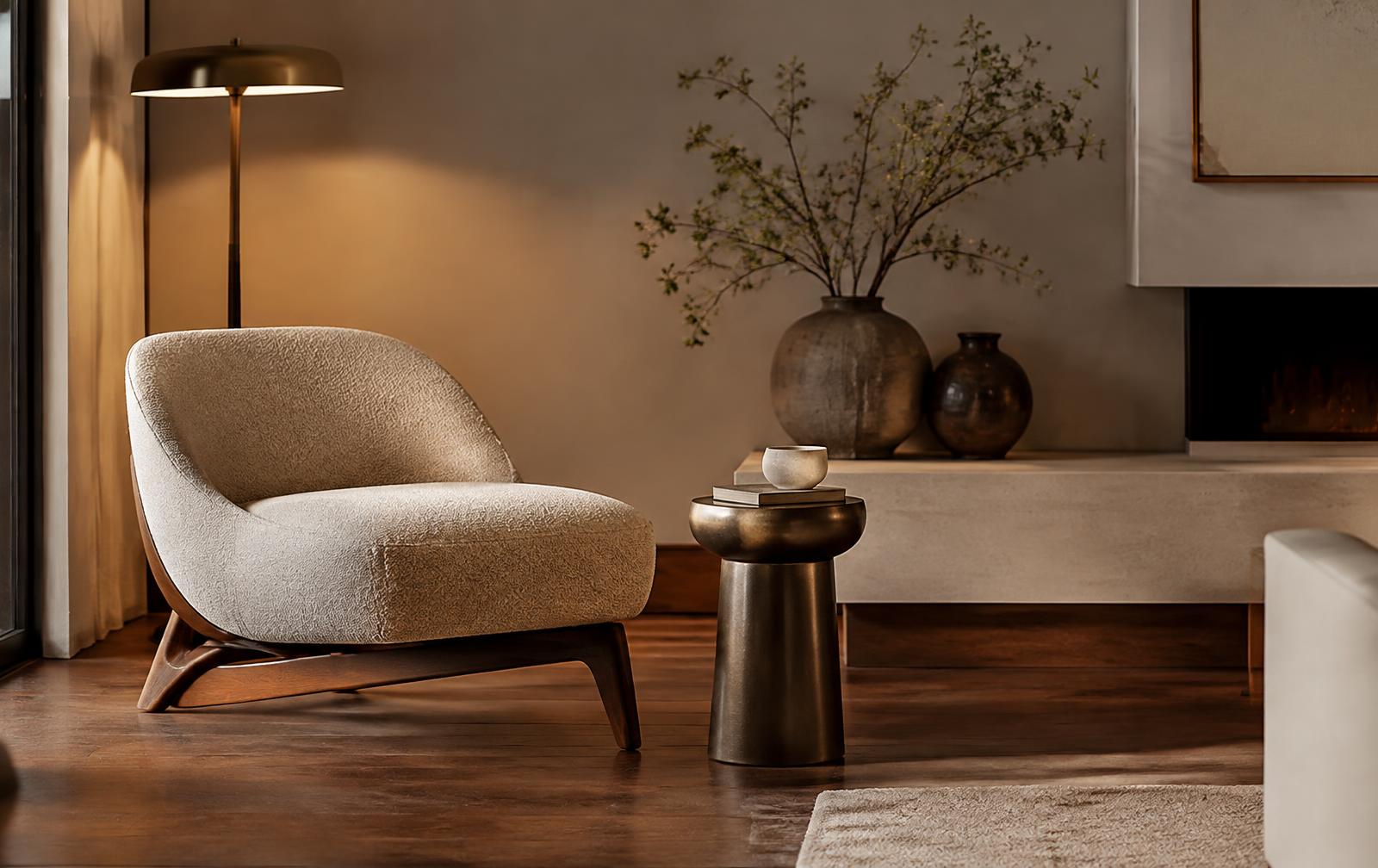
Hero furniture is the weakest use. A lounge chair at the front of the frame carries the image. Its proportions, stitching, leg profile and fabric behaviour will be scrutinised, and if it is a specified product the client will compare it to the manufacturer's photography. For these pieces, use the manufacturer's model, a quality library asset or model it yourself.
Anything with a function also needs care. Kitchen taps, door handles and light fittings are often specified items with exact dimensions. A generated version may look right and still be the wrong size or shape, which matters when the render goes into a design review.
Cleaning a generated mesh
Start by fixing scale. Import into Blender or your DCC of choice and scale to a known dimension, such as seat height or vase diameter. Then decimate. Generated meshes frequently arrive at several hundred thousand triangles for a simple object; a vase seen at two metres needs a few thousand.
Next, rebuild the materials. Baked lighting in the colour map will fight your scene lighting, producing highlights in the wrong place. Use the generated texture as a reference, then build a proper PBR material, or delight the texture by flattening obvious highlights and shadows. Add roughness and normal maps rather than relying on the colour alone.
Finally, inspect the hidden sides. Rotate the asset fully and check the base and back. Generators commonly leave holes, merged faces or smeared textures where the photo gave no information. If the camera might ever see that side, fix it or regenerate from multiple views.
Licensing and specification
Licensing is the part most often skipped. Read each service's terms for commercial use, ownership of outputs and what happens to the images you upload. Do not feed manufacturers' product photos or a client's confidential design images into a public generator without permission. And never present a generated object as a specified product; if the brief names a real chair, use the real chair.
Treated as a fast way to fill shelves and corners, image-to-3D is already useful. Treated as a replacement for specified or hero assets, it creates more work than it saves.