Real-time · Chaos Vantage 2.7
Chaos Vantage in production: real time V-Ray at scene scale
Vantage lets you present a full V-Ray scene at real time framerates without a game engine setup. A working guide from a busy stills studio.
 REAL-TIME
Chaos Vantage occupies a specific niche that no other tool quite fills. It takes a native V-Ray scene, materials, lights, geometry, and displays it at real time framerates with hardware ray tracing, without asking you to re author anything. For studios that live in V-Ray for stills work and need to present those scenes interactively to clients, Vantage is the shortest possible path from stills pipeline to interactive delivery.
The core reason Vantage exists is client presentation. A V-Ray still takes an hour or two to render. The client meeting is in ten minutes. Vantage lets you open the same scene, navigate it live at 30 to 60fps on a decent RTX GPU, and answer client questions like what if the camera was here or what if the pendant was that colour without a render queue between you. This immediate feedback is what closes design decisions.
Setup is deliberately minimal. Save the V-Ray scene from 3ds Max, open Vantage, and load the vrscene file. Materials come through as authored, geometry displays with its full detail, lights work as specified. There is no import dialog, no material remapping, no lighting reauthoring. Whatever hours you invested in the V-Ray scene are immediately available in real time.
The performance envelope is generous but not unlimited. On an RTX 4080, a large residential exterior with full landscape sits at 40 to 60fps at 1080p, 20 to 30fps at 4k. A large commercial interior with heavy glazing and reflection sits at 25 to 40fps at 1080p. Very heavy scenes, say a full masterplan with dozens of buildings and thousands of trees, will drop to 10 to 20fps, which is still enough for camera navigation and design review.
For final output, Vantage will render stills at path traced quality that are competitive with offline V-Ray. The times are faster than CPU V-Ray by a wide margin, though slower than dedicated GPU renderers for equivalent quality. Where Vantage wins is that you can iterate at real time framerates until you find the frame you want, then commit to a final render that inherits all the settings from the V-Ray scene.
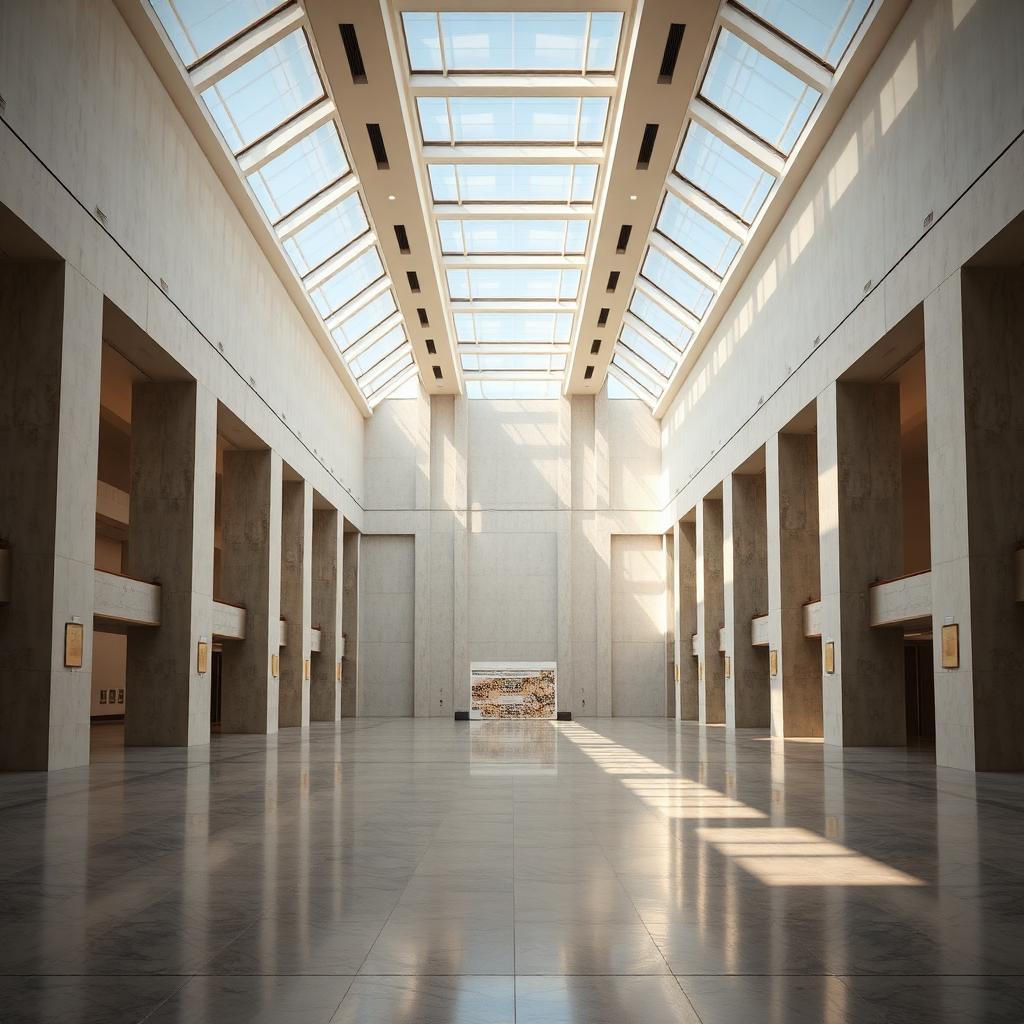
Animation is a real strength. Vantage will render animated sequences using path tracing at speeds that used to require a render farm. On the museum atrium in this article, a 30 second fly through at 4k rendered in about six hours on a single RTX 4080, which would have been a two day farm job in CPU V-Ray. This has quietly changed the economics of arch viz animation for small studios.
The material handling deserves a specific note. VRayMtl, VRayHairMtl, VRayFastSSS, and most of the standard V-Ray shaders translate perfectly. VRayScannedMtl and some of the more exotic shaders are supported with occasional visual differences. If your scene uses standard V-Ray materials, expect zero surprises. If your scene uses very custom shader networks, do a test render first before promising the client a live presentation.
The lighting fidelity is genuinely faithful. Sun and sky, dome lights, rect lights, IES profiles, all render in Vantage in a way that matches the offline output. The one exception is caustics, which are approximated in real time and rendered fully only in final path traced output. If your scene depends heavily on caustics for the frame to work, be aware that the live preview will not show them accurately.
The workflow that has emerged for our studio is this. Build the scene fully in 3ds Max with V-Ray, iterate materials and lighting in the V-Ray IPR until happy, then present to the client in Vantage. Camera navigation, material swaps, and time of day changes happen live in front of the client. When decisions are made, export the still or animation from Vantage at path traced quality. The whole loop from stills scene to interactive presentation to final delivery uses the same source file throughout, which is a workflow discipline advantage that is hard to overstate.
The last note is on GPU cost. Vantage requires an RTX GPU with 16GB of VRAM or more for serious professional work, ideally 24GB for large scenes. That hardware cost is real but manageable for any studio. If your team is on GPUs older than the RTX 30 series, upgrading unlocks Vantage as a genuinely transformative addition to a V-Ray workflow.