Real-time · Unreal Engine 5.4
Unreal Engine 5 for arch viz: a Lumen and Nanite workflow that does not fight you
Datasmith, Lumen scene detail, and the reflection settings nobody tells you about. A production ready UE5.4 setup for interactive walkthroughs.
 REAL-TIME
Unreal is not slow, your scene is. That is the honest starting point for anyone moving from an offline renderer. Every performance problem I have debugged in the last two years came from a scene that treated UE5 like it was 3ds Max with a play button. It is a different tool with different rules, and once you stop fighting them, it gets fast.
Datasmith is still the cleanest import path from 3ds Max. Bake modifiers, collapse the stack, and export only what the camera will see in the first ten minutes of the walkthrough. Anything else can be a separate Datasmith scene layered in later. I have seen studios import a full 8GB max scene, wonder why the editor crashes, and blame Unreal. The problem was upstream.
For Lumen, the two settings that matter most are Lumen Scene Detail and Final Gather Quality. Push detail to 2 for tight interiors, keep gather at 1 for exteriors, and only touch software ray tracing if hardware RT is not available on your target hardware. Screen traces should be on for interiors where reflections carry a lot of the read, off for exteriors where they eat frame time for very little visual gain.
Nanite changes how you think about modeling. Stop retopologizing hero assets. Import the high poly, let Nanite do its work, and spend the time you saved on materials instead. The caveat is that Nanite still does not love foliage with alpha, so keep trees on traditional LODs for now, and revisit that decision when 5.6 lands.
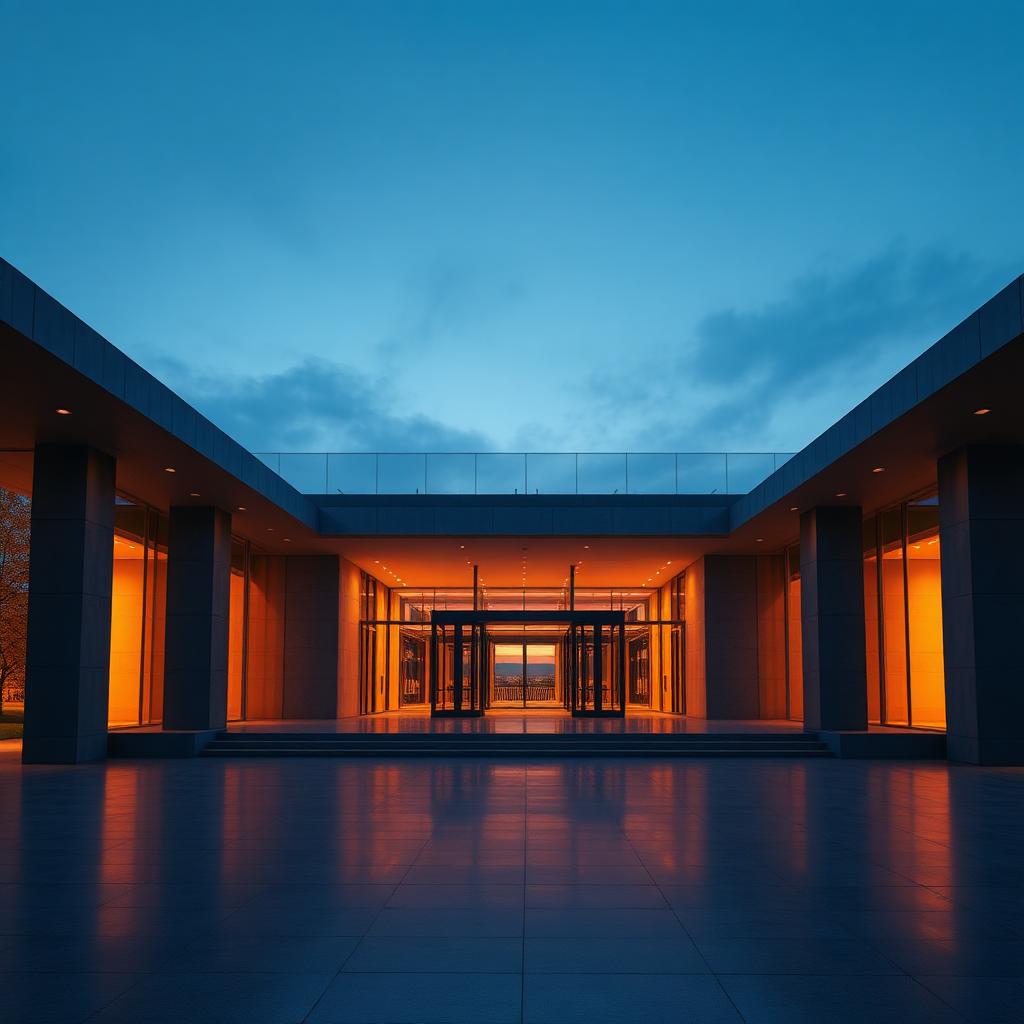
The reflection thing nobody tells you: turn off SSR on any polished floor and use a planar reflection actor instead, sized generously and with the render target scaled to 1024 for previews, 2048 for finals. SSR fails at exactly the shot the client will screenshot, which is a low angle across the floor toward the main facade. Planar reflections cost more, but they do not fail visibly.
One final piece of advice that is more cultural than technical. Real-time arch viz is a different craft from stills, and treating a walkthrough as a series of hero shots will get you a walkthrough full of dead space between hero shots. Design the whole route. Give the user something to look at at every camera angle, not just the ones you spent a week polishing.