Tutorial · Corona 12
Corona render settings for exteriors: the only setup you need in 2026
Denoising, tone mapping, and the three settings that quietly ruin most exterior skies. A battle tested Corona 12 setup, pulled from six years of production work.
 TUTORIAL
Most exterior renders I get sent for critique die in the same three settings, and none of them are the ones people talk about on forums. Fix those first, and the rest of the scene will forgive you.
Start at the render setup panel. Noise limit at 5 percent for finals, high quality denoiser on, and clamp the highlights at 6, not 20. Corona's default clamp is generous because it has to be, but on any scene with a visible sun it will smear the disc into a white puddle that no post work can rescue. I have gone as low as 4 on dusk shots without regret.
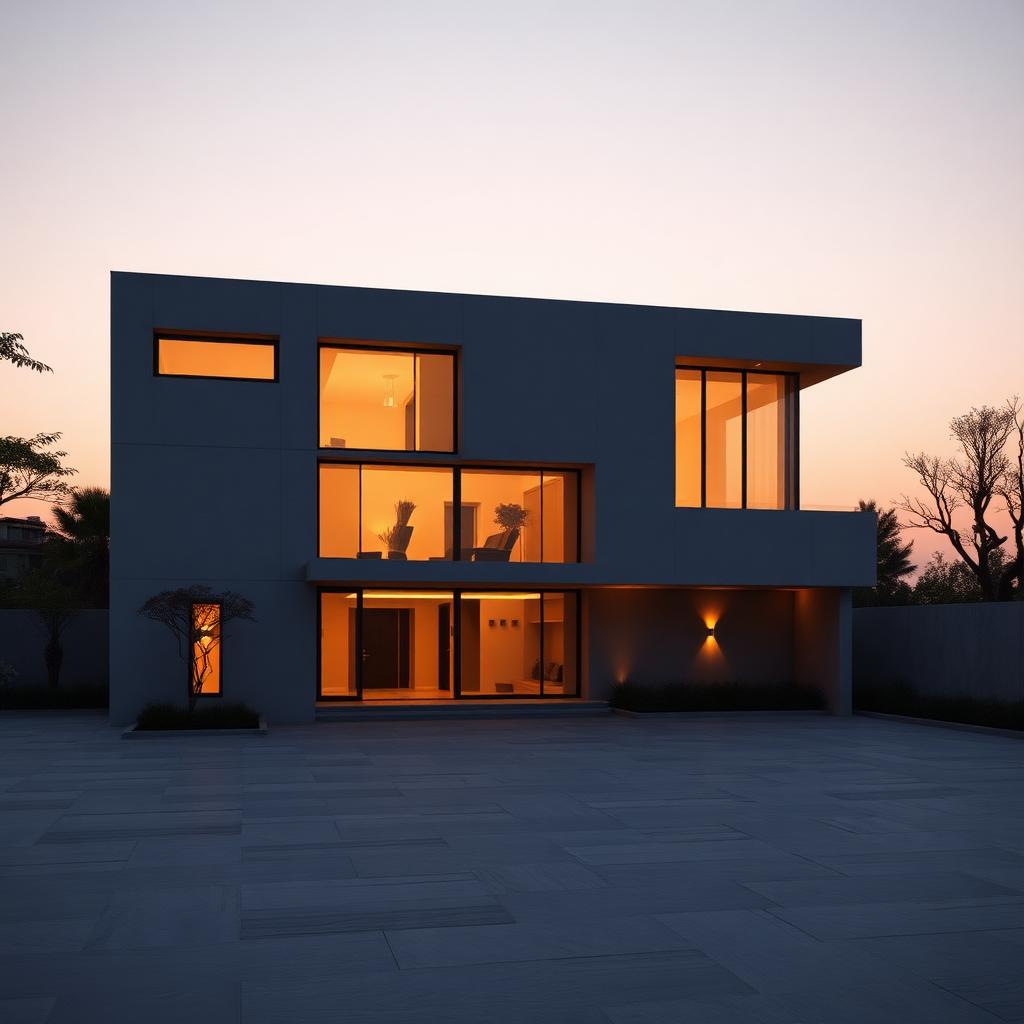
Tone mapping is where dusk exteriors are made or lost. My starting point for the last two years has been filmic contrast at 1.15, saturation at 1.05, and a color balance pull toward 5,200K if the shot is golden hour. Warmer than that and your concrete starts reading as sandstone, which is fine for a Marrakech project and disastrous for a Berlin one.
For the sky, use CoronaSky in PRG Clear mode with turbidity between 2.6 and 3.4. Higher turbidity buys you the milky European overcast look. Lower gives you the hard Mediterranean midday that clients from Athens keep asking for and Northern European artists keep getting wrong.
One thing that took me years to accept: denoise only in post. Corona's high quality denoiser is genuinely remarkable, but the moment you comp cryptomatte driven color grades on top, any in render denoise starts eating detail at material seams. Save the raw EXR, denoise in Nuke or Photoshop's Camera Raw filter, and keep a version with no denoise at all as a fallback. You will use it more than you expect.
The last note, which is really a working habit rather than a setting: build a Corona template scene and open every new project from it. Mine has the sun already parented to a helper, the LUT loaded, and a dummy checker material assigned to a plane at 18 percent grey. Setup time on a new render drops from twenty minutes to about ninety seconds, and that is where consistency actually comes from.