Real-time · D5 Render 2.10
D5 Render for arch viz: real time GPU rendering, honestly reviewed
D5 has become the sleeper hit of arch viz. A working artist review of its 2026 release, where it shines, and where you still need V-Ray or Corona.
 REAL-TIME
D5 Render has quietly become the tool most junior arch viz artists in Europe are learning first, and there is a reason for that. It gives you Unreal level output quality from a fraction of the setup effort, with a Twinmotion level import workflow. The 2026 release closes enough of the remaining gaps with V-Ray and Corona that it is worth a serious working review rather than dismissal as a beginner tool.
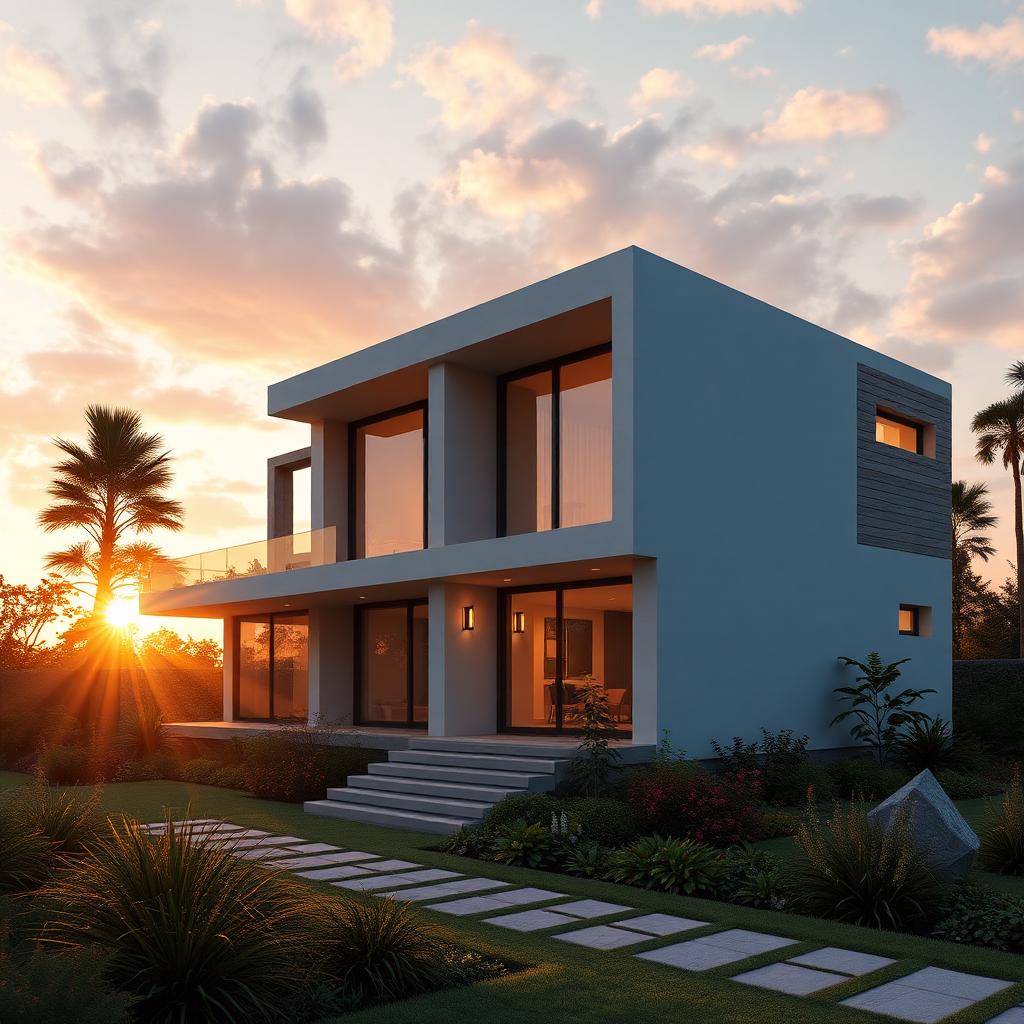
The core value proposition is real time GPU rendering with hardware ray tracing that produces output competitive with offline path tracers, but at speeds that let you iterate every ninety seconds instead of every forty minutes. On my RTX 4080, a fully lit residential exterior at 4k with path tracing enabled renders in about three minutes. The same scene in Corona would take twenty five to forty minutes for equivalent quality. That is not a small productivity difference.
The material library is the first place D5 shines. Around 8000 assets ship with the tool, and unlike some competitors, they are curated and consistent. The furniture, the vegetation, and the surface materials all share a coherent PBR authoring standard, which means you can build a scene entirely from library assets and it will render coherently. This is not true of Unreal, where library assets often need re authoring to match.
Lighting workflow in D5 is closer to a real time engine than to an offline renderer. Sun and sky, HDRI dome, and area lights, all of which respond immediately in the viewport. The IES profile support is real and works well. The one weakness is that D5 does not currently support the same depth of light linking and per light controls that V-Ray users are used to. For complex interior lighting with fifteen different rect lights that each need individual falloff control, you will hit the ceiling.
Vegetation is where D5 pulls genuinely ahead. The built in plant library is enormous, the wind animation is convincing, and the scatter system is intuitive enough that a first day user can build a convincing landscape. For garden and landscape heavy exteriors, D5 is faster than any other tool I have used in the past five years.
The Datasmith style import from Revit, Sketchup, Rhino, and 3ds Max is genuinely solid. Not quite as clean as Twinmotion's Datasmith for Revit specifically, but competitive on every other source format. The one caveat is that very complex 3ds Max files with heavy modifier stacks still occasionally lose material assignments, and the fix is to bake down modifiers before export.
Where D5 still falls short of V-Ray and Corona is anywhere that requires fine artistic control. Custom shader networks are limited. Compositor pass output is basic, with cryptomatte support that is better than it was but still not on par with a mature offline pipeline. If your workflow relies on heavy post production using masks and pass isolation, D5 will frustrate you.
For animation, D5 has a keyframe system that is fine for camera moves and object animation but is not a substitute for a real animation package. Complex animated scenes still belong in Unreal or in a dedicated pipeline. Simple architectural fly throughs, however, are well served, and D5 will render them at real time speeds that are impressive.
The pricing model is subscription based and reasonable by industry standards. A single seat runs about half the price of V-Ray for equivalent capability. For a small studio or freelance artist, D5 is genuinely a viable primary tool rather than a supplementary one.
My working recommendation for a studio evaluating D5 in 2026. If your work is heavily residential, garden landscape, or hospitality, D5 can be your primary renderer and you will ship faster than you did on Corona or V-Ray. If your work is heavily commercial or interior focused with complex custom lighting, keep V-Ray or Corona as your primary tool and use D5 for concept sprints, review sessions, and vegetation heavy exterior work. Either way, ignoring D5 in 2026 leaves speed on the table that your competitors are picking up.