Interiors · 3ds Max + Corona / V-Ray
Interior daylight, honestly: an anti trick guide to sunlit rooms
Portals, wall bounce, and why your window light keeps looking like a stage set. A working method for interiors that read as photographed rooms, not renders.
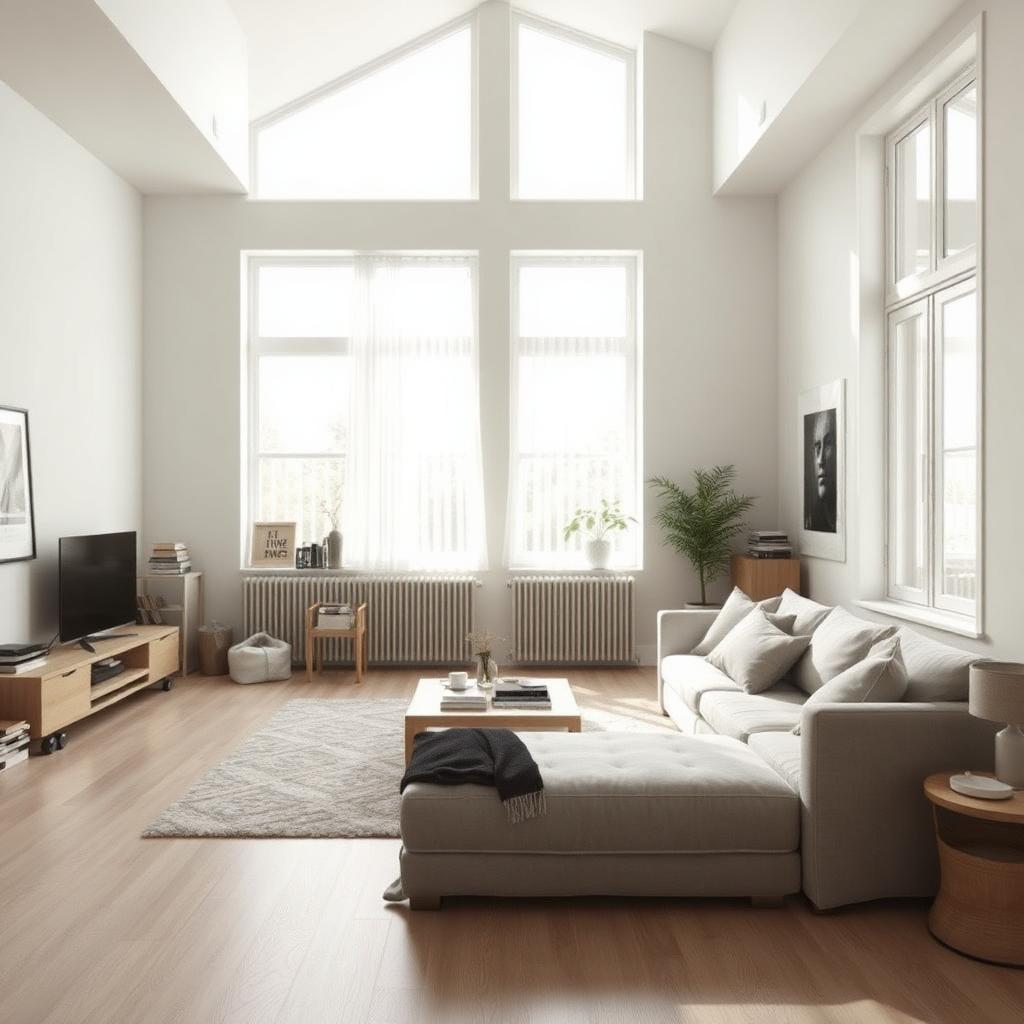 INTERIORS
Nine times out of ten, an interior that looks fake is not underlit. It is over lit in the wrong places. The sun is fighting the fill, the fill is fighting the bounce, and everything is dialed too high because the artist could not read where the light was actually failing.
Start with one light source. Sun and sky, nothing else. Render at low quality, look at the histogram, and be honest about where the room falls off. If the far wall is at zero, do not add a light. Move the sun, widen the window in your test scene, or accept that the room is a dark room and lean into that. Adding a rectangular light to fake bounce is the single most common mistake I see in portfolios.
Light portals still matter in 2026, even with the newer denoisers. In Corona, use CoronaPortal on every window opening for interiors that face out onto complex environments. In V-Ray, VRayLight in Portal mode, invisible, one per opening. Skimping on portals is why interior noise takes an extra hour per frame that you did not need to spend.
For material response, the number that changed my interiors most was the diffuse level on white walls. Pure white walls are almost never pure white. Try 0.72 in linear space with a very subtle warm tint, and you will suddenly see the room read as painted plaster instead of a shader test. Anything above 0.85 and the walls become a bounce reflector that flattens everything.
The last habit is disciplinary. Look at photographs, specifically at photographs shot on film, and pay attention to where the shadows sit. Digital interior photography teaches you to expect fully lit corners. Film teaches you that a room can be half dark and still feel warm and inhabited. Your renders will improve the day you stop trying to eliminate every shadow.