Lighting · Corona, V-Ray, Blender
Getting fog right in exterior renders (without killing your image)
Fog is the fastest way to make an exterior feel like a real place. It's also the fastest way to make it look muddy. Here's how I actually use it on paid work.
 LIGHTING
I get asked about fog more than almost any other lighting question, probably because the difference between a render with good atmosphere and one without is enormous and everyone can see it, but the actual settings people use are all over the place. I want to write about how I approach it, because most tutorials online either turn the density way up until the whole image goes milky or leave it off entirely and then wonder why the background reads flat. The truth sits in a narrow band and you have to feel your way to it.
First thing I always ask is what the fog is doing for the image. Is it separating foreground from background so the building sits forward. Is it adding a bit of mood so the sky doesn't have to do all the work. Is it hiding a background I could not model properly. All three are legitimate. But if you cannot answer the question you should probably not be adding fog yet. Fog for its own sake tends to look like fog for its own sake.
In Corona I use the environment volume with a density around 0.005 to 0.012 for most residential exteriors. Height falloff is the setting that matters more than anything else. Without it the fog fills the sky and the whole image goes flat. I usually set the fog top at around 8 to 12 meters for a two storey house, so the ground layer reads hazy but the sky stays clean above the roofline. The scatter and absorption colors I leave neutral 99 percent of the time. Coloured fog reads as an effect, not as atmosphere.
V-Ray is similar in principle but the aerial perspective inside the environment fog rollout is what most people actually want, not the full volumetric. Aerial perspective is a screen space cheat that reads almost as well and renders in a fraction of the time. I only reach for real volumetric fog when I need light shafts through trees or through a window, because that is the one thing the cheat cannot do.
In Blender with Cycles I use a principled volume in the world shader for uniform atmospheric haze, and a domain object with a principled volume for anything localised. Density around 0.01 for the world haze, height controlled with a gradient texture driving the density input. This is more setup than Corona but the result is comparable and you get it for free with Cycles rather than needing a specific renderer.
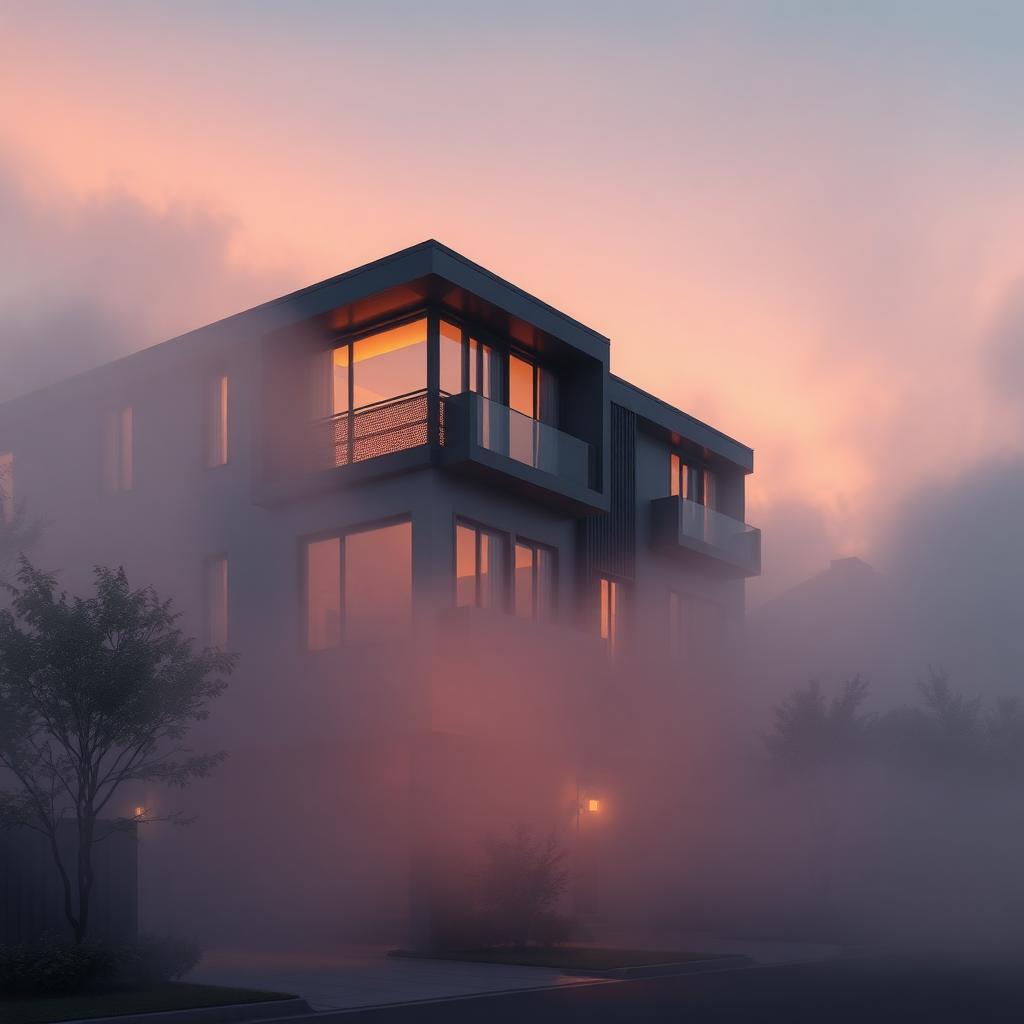
The lighting side matters as much as the density. Fog only reads when there is directional light passing through it. A cloudy overcast scene with fog just looks grey and dead. Same scene with a low sun angle behind the building becomes cinematic because the fog picks up the rim light. If your fog is not showing up strongly, try moving the sun lower before you turn up the density. Nine times out of ten the sun angle is the problem, not the fog itself.
One last thing I learned the hard way. Fog kills reflections. A large glass facade with heavy fog in front of it will lose all the reflection detail that made the material read as glass in the first place. If glazing is a hero element in your image, keep the fog thin near the building and let it thicken in the deep background. You can even mask it in post if you have a Z depth pass, which brings me to the pass I would not render exteriors without.
Render a Z depth pass every single time. Even if you think the render is going to be one and done. Because when you sit down in Photoshop and want to add a subtle atmospheric haze layer on top, or push the background back a bit, that pass is what you use to do it non destructively. I typically composite a very light fog in 3d for the physical accuracy of light interaction, then push it further in post using Z depth. That gives me the control the client is going to ask for on revision two.